Most AI chat interfaces are basically fancy front‑ends slapped on top of an API call. They’re great for personal tinkering, but they fall apart the moment you try to scale them, standardize them, or enforce any kind of organizational structure. As a consultant, my clients generally are not asking for help setting their users up on Claude desktop, which is a mostly local environment. They want control over their digital assistants.
LibreChat takes a completely different approach. It treats AI like infrastructure — something you administer, extend, and govern — not just something you “open in a tab.”
Below is a deeper look at what makes LibreChat technically interesting, and why it’s becoming a favorite among developers, sysadmins, and home‑lab (security conscious) power users. I was able to get the entire thing running in my docker stack in about 30 minutes.
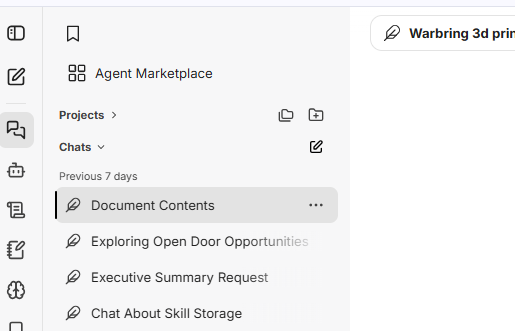
Centralized Agent Architecture
In most AI interfaces, an “agent” is just a prompt template. LibreChat treats agents as first‑class objects with:
- Persistent configuration
- Defined capabilities
- Attached skills
- Model routing rules
- Access control
- Optional knowledge bases
Agents are stored and managed centrally, meaning:
- You can update an agent once and every user gets the new version
- You can enforce consistent behavior across your organization
- You can attach or detach skills without touching user settings
- You can version agents like code
This is closer to how orchestration platforms treat microservices than how consumer chat apps treat prompts.
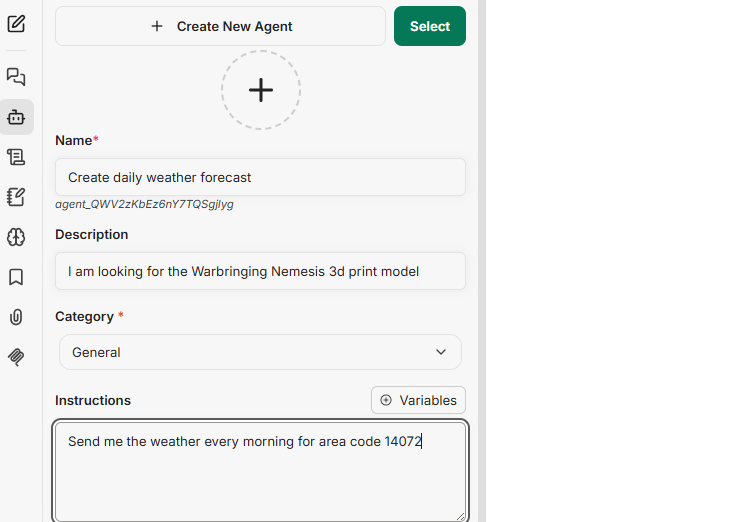
Skills: Modular, Permissioned Functionality
Skills are where LibreChat gets genuinely powerful.
A skill is essentially a server‑side capability that agents can call. Think of them like:
- RPC endpoints
- Micro‑tools
- Controlled function calls
- Workflow triggers
- API wrappers
Each skill has:
- A schema
- A permission model
- Logging behavior
- Optional authentication
- Optional rate limits
- Optional user restrictions
This means you can expose internal APIs, automation workflows, or data pipelines to AI agents without giving users direct access to those systems.
It’s a clean separation of concerns:
- Users interact with agents
- Agents interact with skills
- Skills interact with your infrastructure
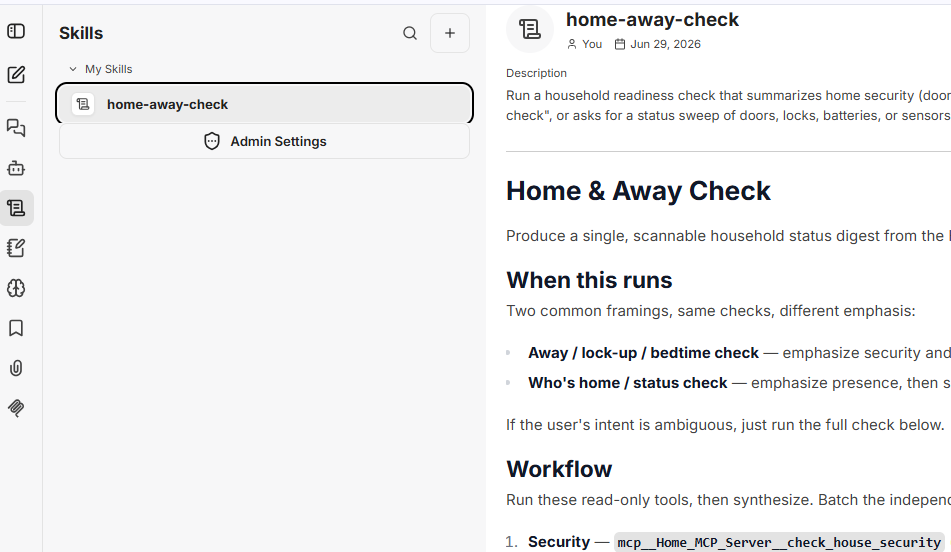
Model Routing and Multi‑Provider Support
LibreChat supports multiple model providers — local, cloud, hybrid — but the important part is how it supports them.
Admins can:
- Register providers (Ollama, LM Studio, OpenAI, Anthropic, etc.)
- Assign models to specific agents
- Restrict models by user role
- Swap models without breaking agent behavior
- Route certain tasks to certain providers
This is especially useful when you want:
- Local inference for privacy
- Cloud inference for heavy workloads
- Specialized models for specific agents
- Cost‑optimized routing
LibreChat acts like a control plane for model selection.
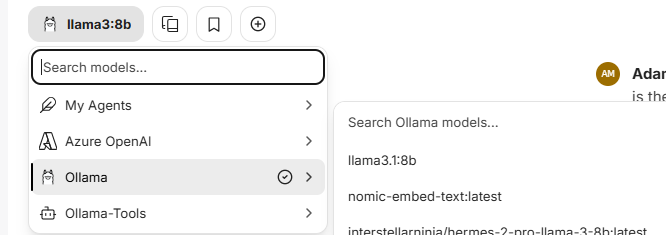
Ollama as the backend LLM. Something you can’t do in Claude.
Shared Infrastructure, Not Personal Sandboxes
Most AI interfaces assume:
- One user
- One browser
- One configuration
LibreChat assumes:
- Multiple users
- Multiple agents
- Multiple skills
- Multiple models
- Central administration
- Shared infrastructure
This makes it ideal for:
- Dev teams
- Research labs
- Automation setups
- Home labs with multiple users
- Small businesses
- Makerspaces
- Classrooms
It’s basically the difference between running Docker Desktop and running Kubernetes.