I have been using Cloudflare for a while to expose my local apps to the internet. In recent months, they created an offering that allows users to host MCP Servers to the cloud. I’ll have some of that, thank you.
Step 1: Get the starter Code
You can deploy the code right from the Cloudflare blog.
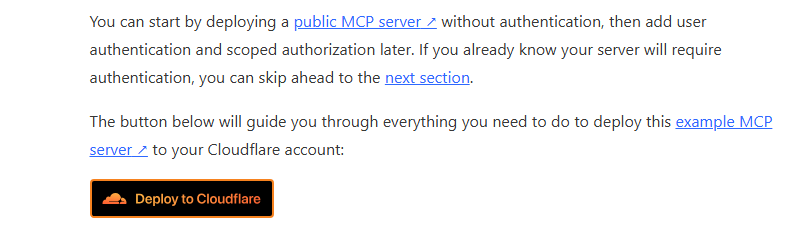
Cloudflare did us a solid by creating sample code to get us started. The repo can be found here.
Step 2: Deploy to Cloudflare
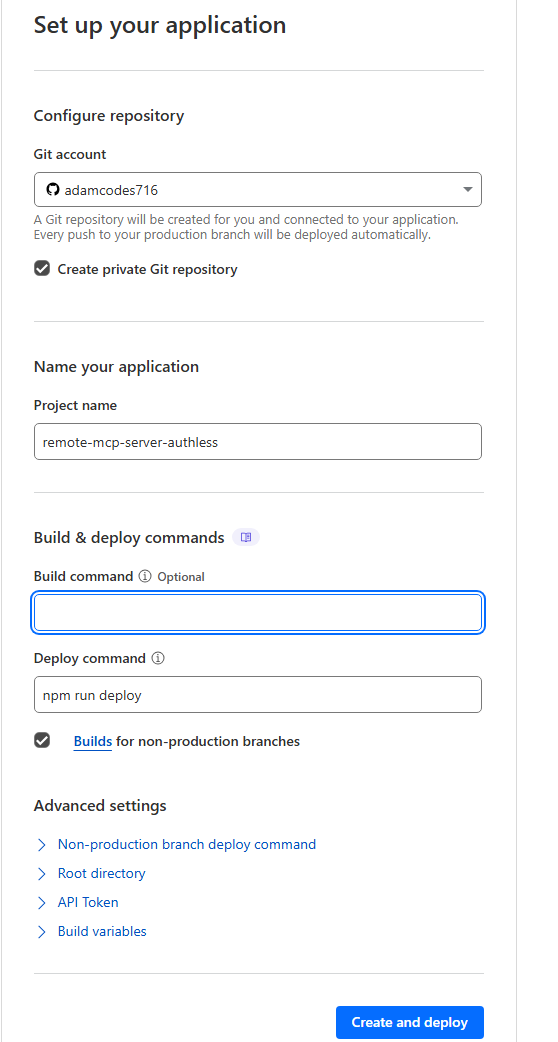
Now in Cloudflare, we can create a new app. Note that we can create a new repo at the same time, and that pushes to the main branch will be automatically published.
Step 3: Open in VS Code (Optional)
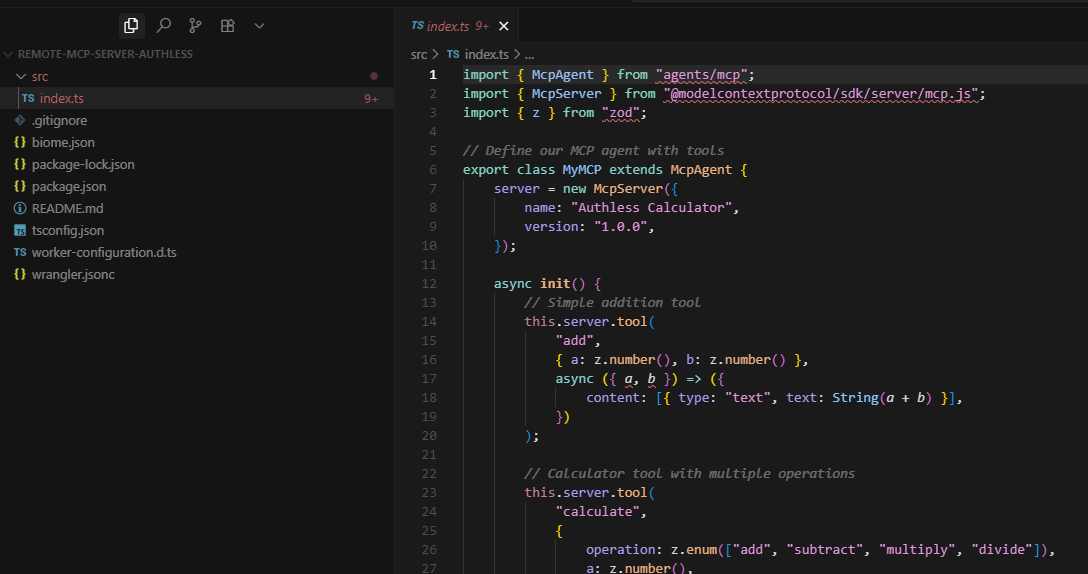
In the deploy step, I opted to have the code written to a private repo in my account. I can then download that code to work on it locally. I opened it here in VS Code, but we will also open in Cursor.

Step 4: Open the Project in Cursor
This will allow us to interact with the server. Note that there is a basic calculator tool in here.
Step 5: Create mcp.json file
From the readme, grab this text….

…. and create an mcp.json file.
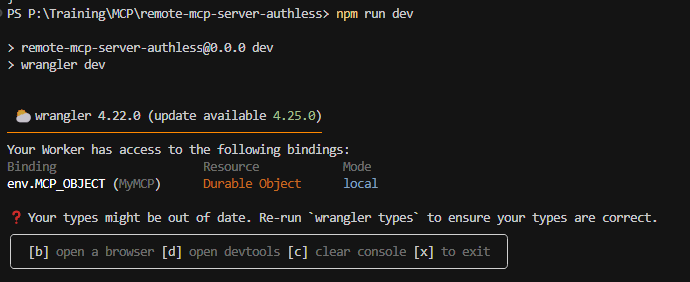
… run npm dev to start it locally
Step 6: Connect to the MCP Server
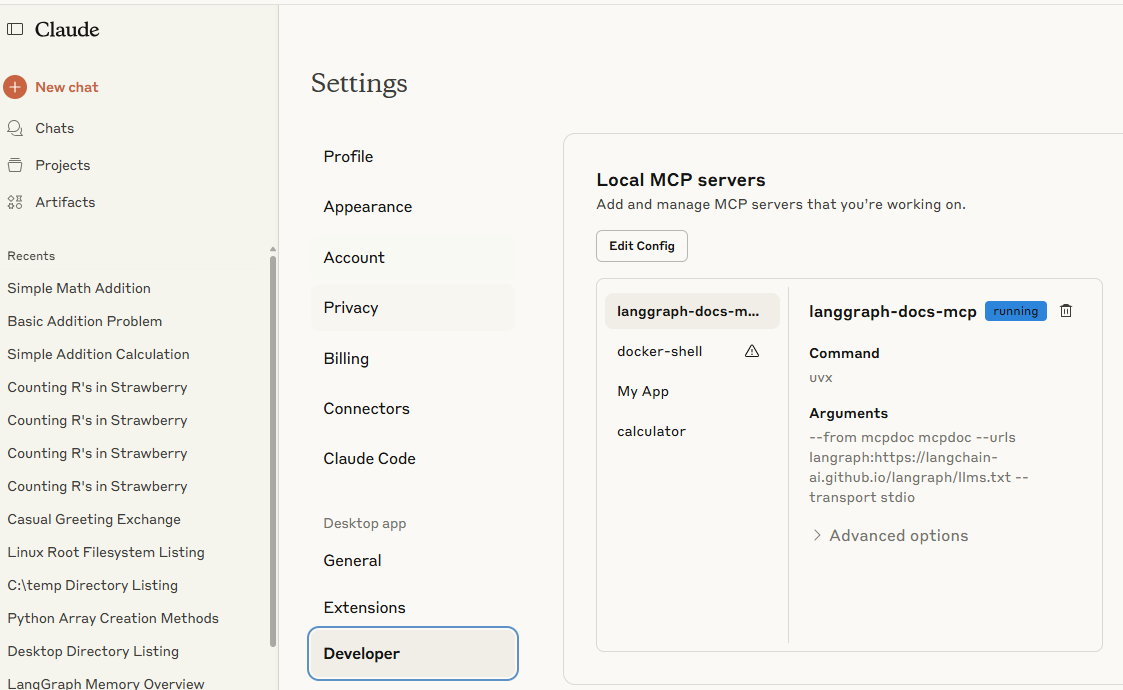
In “Settings” – “Developer”, I added the tool to the config.
Step 7: Use the Tools in Claude

You have to give permission to the tools first
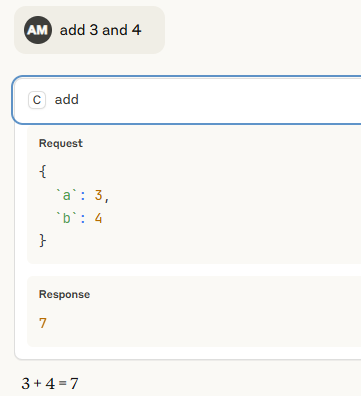
We can see that the “add” tool satisfied the prompt
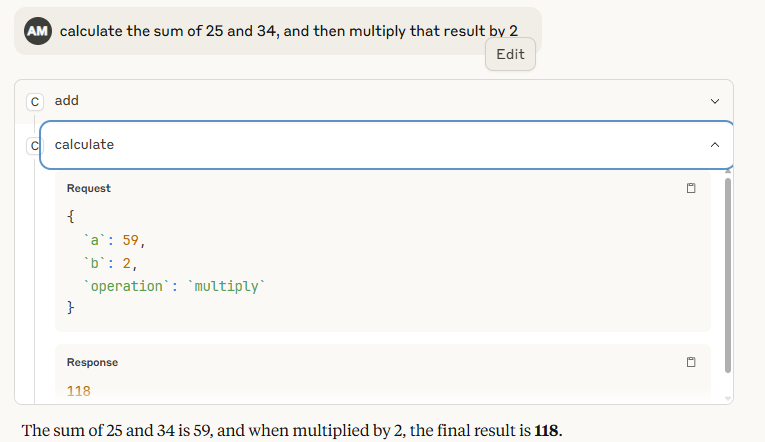
In this example, multiple tools are needed to satisfy the prompt.