It happens all of the time: you need to get at a piece of data that lives in some data store. Maybe it is last month’s sales numbers, or you need to find out which sales person sold the most widgets yesterday. But how to get at this data? Do you really want to have to open up a ticket with the helpdesk so that your BI analyst can get you the information you need a week from now? That seems so… unnecessary. And thanks to the magic of AI, it is now completely unnecessary.
Reminder: As with everything else that I do, this example is completely platform agnostic.

So how does it work? Lets first start with a relational database. Of course the content of the database does not matter, so I am going to mix business with pleasure by demonstrating this using my movie review database.
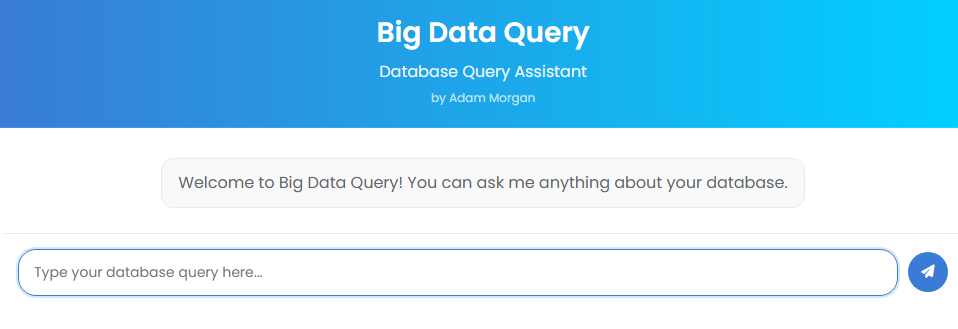
We are also going to need a “client” that will allow us to talk to the database. In this example, I have created a simple chat UI, but we could have surfaced this ability anywhere (Copilot, Teams, MCP client, etc).

And finally, you need some additional libraries to make the magic happen:
- the pymysql library (or comparable) for making the connection to the database.
- langchain, for handling the interaction with the large language model (llm)
Natural Language to SQL Goodness
The package works as you would expect it to work. Not surprisingly, large language models (LLMs) are actually pretty good at converting natural language to sequel. In this example, I am using a llama model that is on my network (translation: free and secure!), but this will work the same when pointed to any model that supports tool calling. If you aren’t familiar with the use of tools / function calling, it works like this: in a script, chatbot, etc, tools can be made available to satisfy a prompt. When the user asks a question, the question and all of the available tools are passed to the LLM. The LLM inspects the question and the available tools, and then decides if the tools are better for answering the prompt or if it should rely on its own knowledge. If a tool is deemed to be the best option, the LLM responds back with that fact and identifies the tool that should be used. It is then up to the client to make the call to the tool using the information returned from the LLM.
You may have noticed that if a tool should be used to satisfy a prompt, the LLM returns the name of that tool. But can other tools be used? Absolutely! Langchain handles the orchestration, and it looks something like this:
Reasoning Loop (Thought/Action/Observation)
Iteration:
The agent uses a loop inspired by the “ReAct” pattern:
– Thought: The LLM thinks about the user’s question and decides what to do next.
– Action: The LLM chooses an action (e.g., generate SQL, call a tool like validate_user, or ask for schema info).
– Action Input: The LLM provides input for the chosen action.
– Observation: The agent executes the action (e.g., runs SQL, calls a tool) and observes the result.
– Repeat: The observation is fed back to the LLM, which may generate another thought/action, continuing until a final answer is produced.
Tool Use:
The LLM can only call one tool per iteration. LangChain parses the LLM’s output, detects tool calls, executes them, and returns results to the LLM.
Summary: Langchain manages the conversation between the client and the model. It sends a payload to the model that includes the prompt, instructions, and available tools. The model responds back, possibly with an instruction to use a tool. Langchain then processes the response and determines next steps, which might include another call to the model.
Seeing It In Action
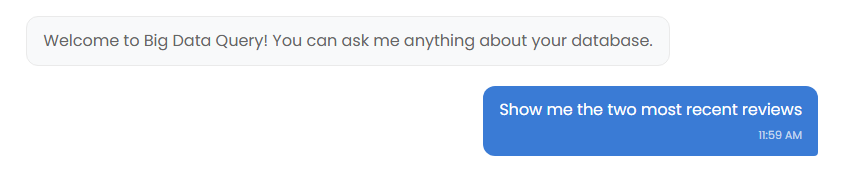
Lets say that I want to see the two most recent movie reviews:
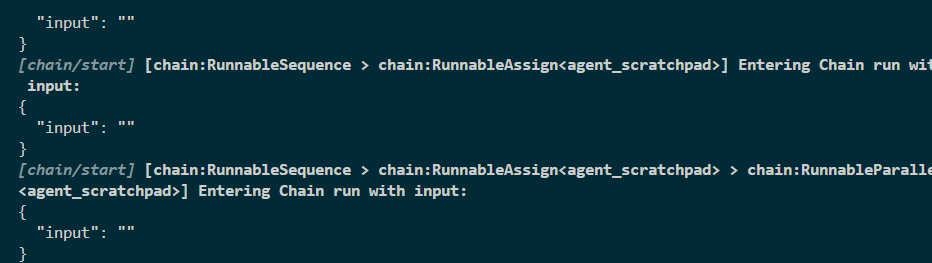
The server catches the request and langchain makes a “chain” that will handle the orchestration.
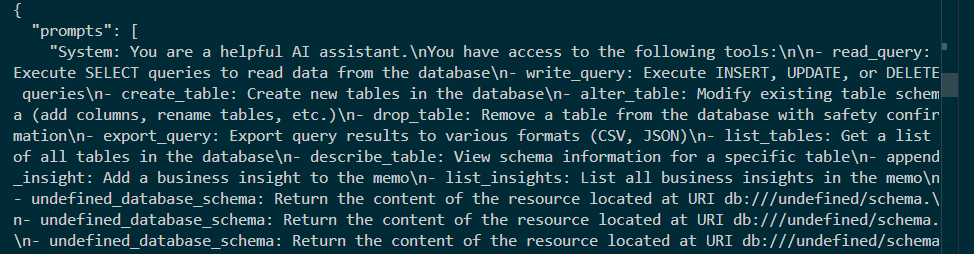
As with any LLM interaction, we have to provide instructions for the LLM so that it knows the who, what, when and where.
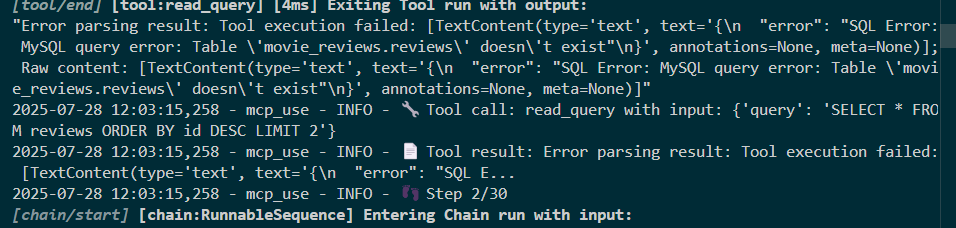
This is the initial response from the LLM. Errors? I hadn’t noticed this when I made it – I will need to investigate this further (for some reason the first interaction is looking for the wrong table). I left this error in here on purpose – I had coded fallback conditions into the script (more on that in the next section).
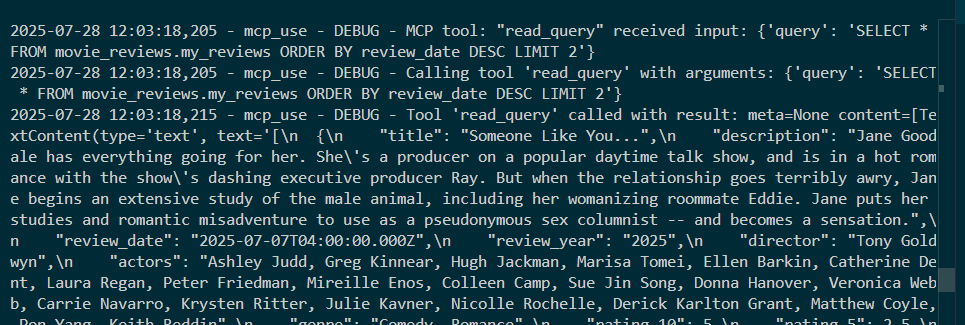
The fallback condition has the correct table name, and the LLM responds with the tool that is to be used. The language had been converted to a sql statement, and that sql statement is executed against the database using the library of your choice.

The Catch
As noted earlier, LLMs do a nice job of converting language to sql in a vacuum. Where it gets a bit tricky is giving the application enough information about your data so that it can make the decision that you want it to make.
For example, my database has several date columns: review date, review year, movie release date, etc. If I ask it to show me a review for the oldest movie, how will it decide which column to use? The short answer is that you have to help it along a little bit.
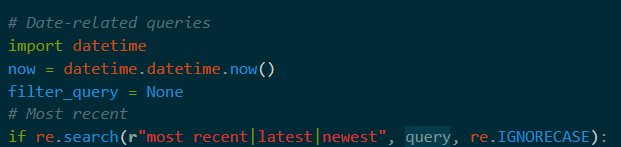
So in this example, I detect that the user is asking for something that involves a time and then I can drop in extra help for the LLM.

I did the same thing with the director. The bottom line is that you might have to do some massaging with every scenario that you want to make available to a user.
The Big Picture
In this example, the sql query functionality is a tool. I could have added other tools to this application to provide extra functionality. For example, I would have added an email tool that would allow the user to query the database and then send the results via an email. I could have added a graph/chart tool that converted the results to a visual artifact. And on and on. More on that in the next demo.
Update! Now Working with Fabric
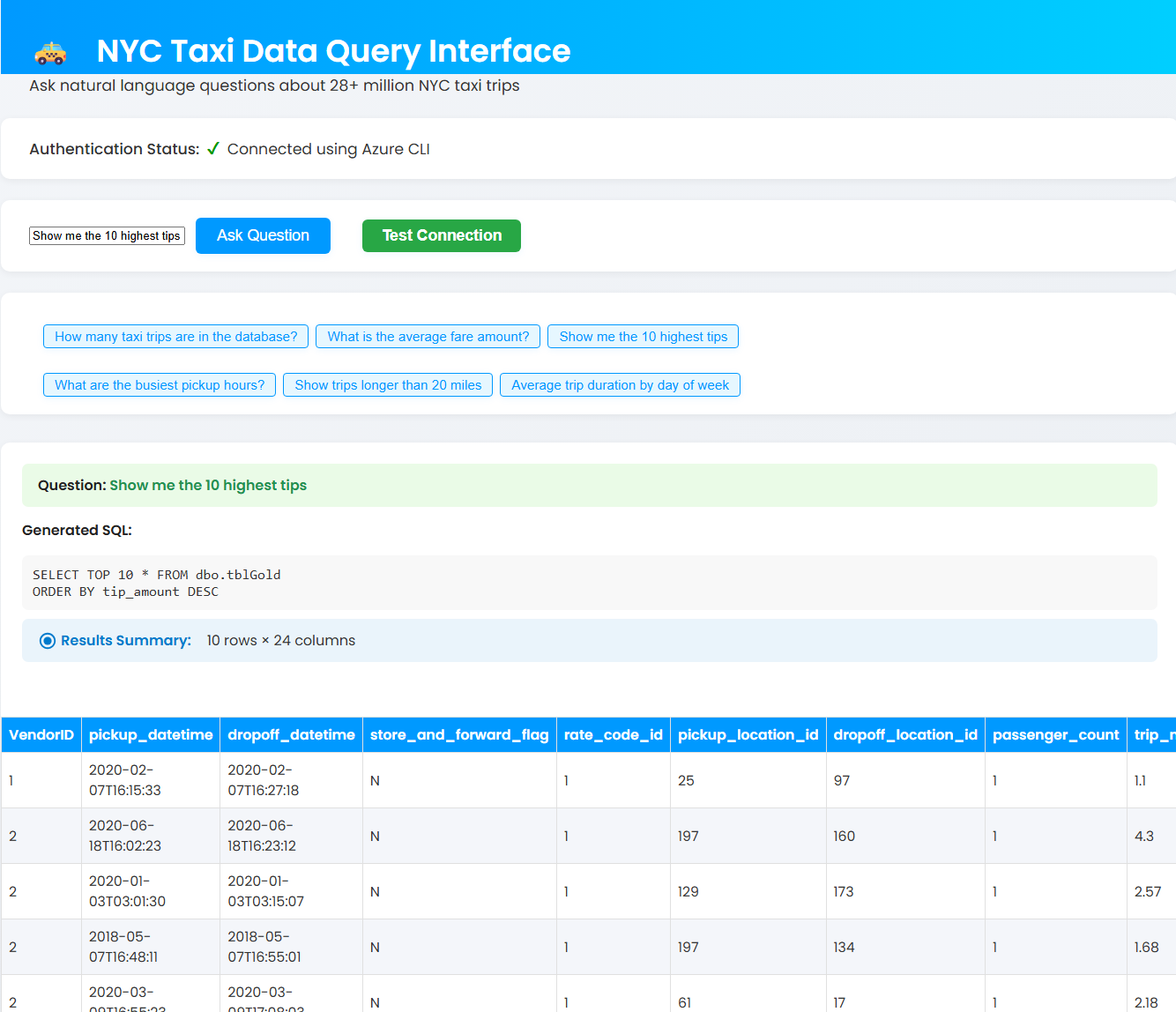
I created a demo ETL using Microsoft’s NYC Taxi dataset. I only have access to a trial capacity, so using Fabric’s Data Agent was out of the question. After some noodling around (more than I care to admit), I got it working.