Just getting rolling on this one.
Reference the “How to Read from a DynamoDb” (here) to see how my table is set up.
- Create a new API
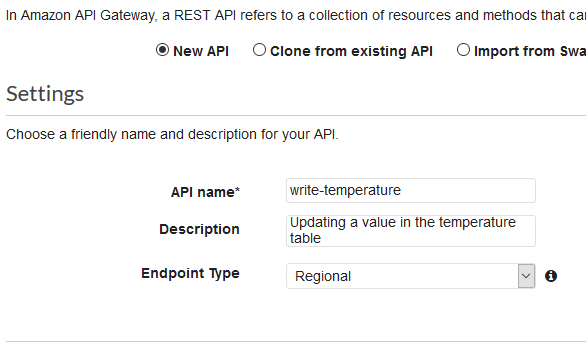
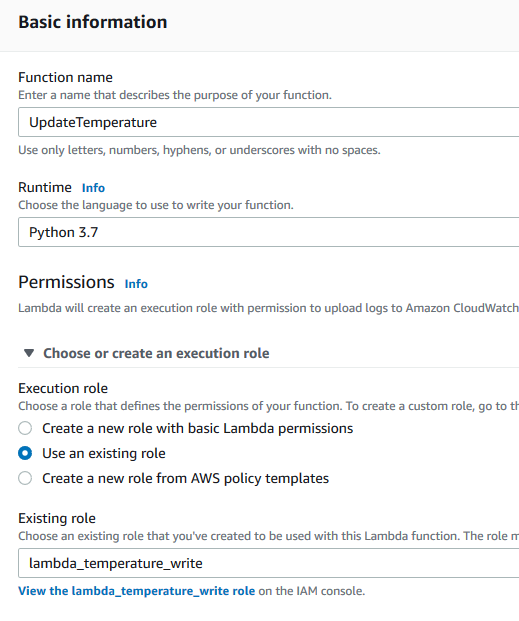
- Create a Lambda Function
- Choose “Author from scratch”
- Runtime – choose “Python”.
- Enter a role that has admin rights.
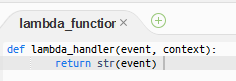
- Create the first iteration of the lambda function. If you click “Test” you should get a positive message.
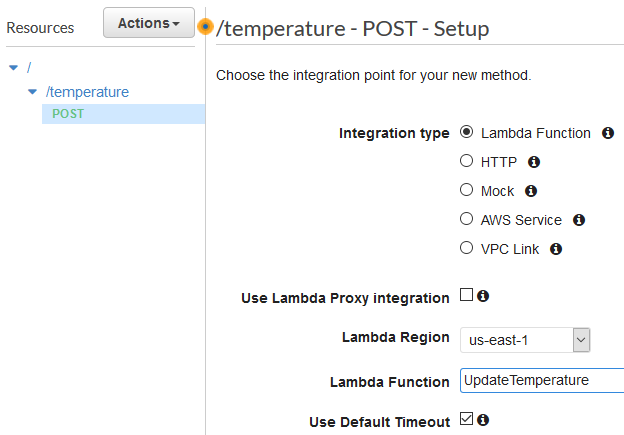
- Go back to your Resources and create a method
- Choose type “Post”
- Enter the Lambda function you created in previous step
- Click on “Test” to test the Post.
- In the “Request Body” add the following:
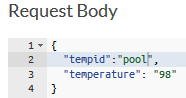
- click “Test”. You should see something like this:
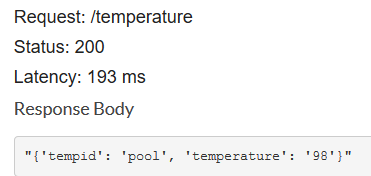
- In the “Request Body” add the following:
- Update the Lambda function to perform persist data to Lambda
- See boto 3 documentation here.
- Update the function to write to the existing table:
-
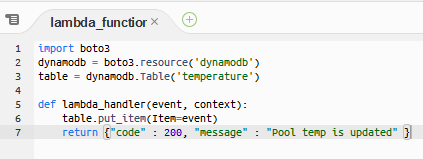
- Use “Action” – “Deploy” to deploy it to production.